Help Day: Bear One Another’s Burdens
12 min read · 2026-09-05
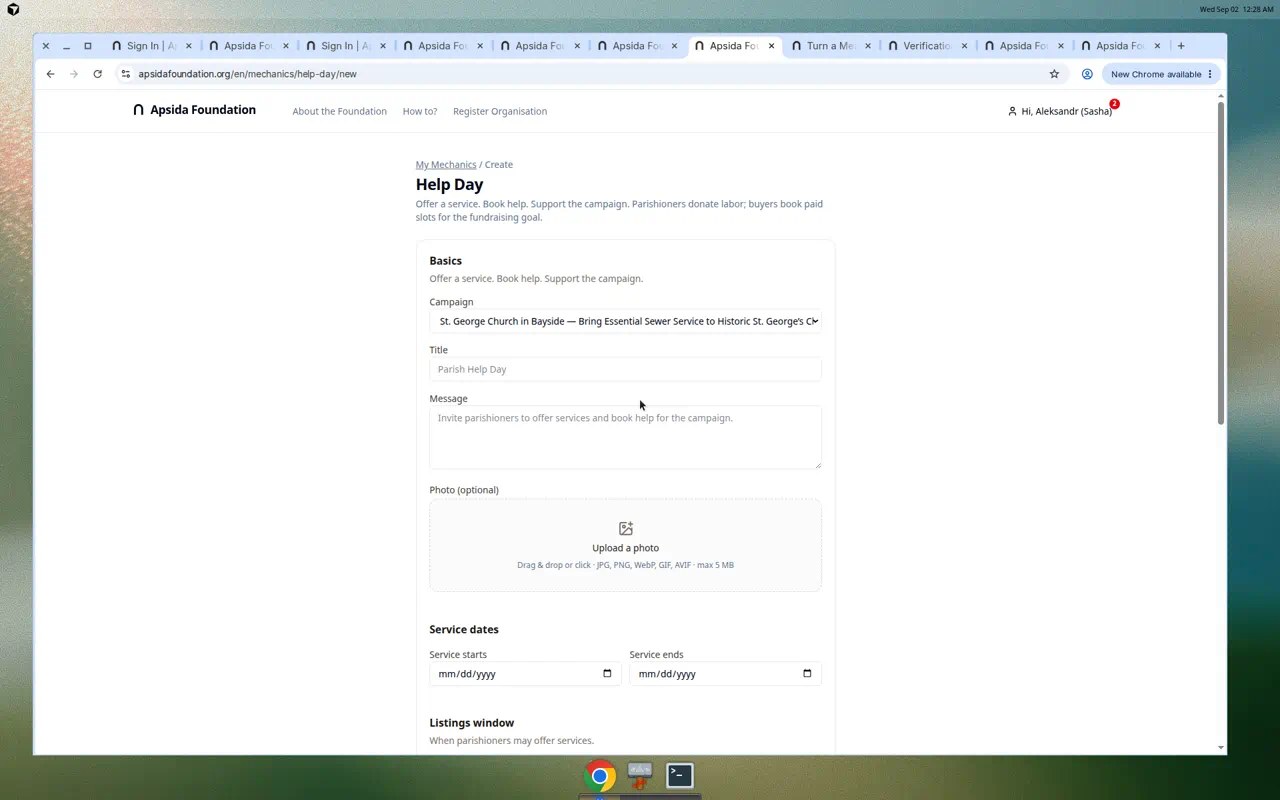
Opens the admin setup form. Sign in first if needed. An organization administrator publishes Help Day from the campaign Mechanics tab; members then add offers or requests from My Mechanics.
Help Can Move in Both Directions
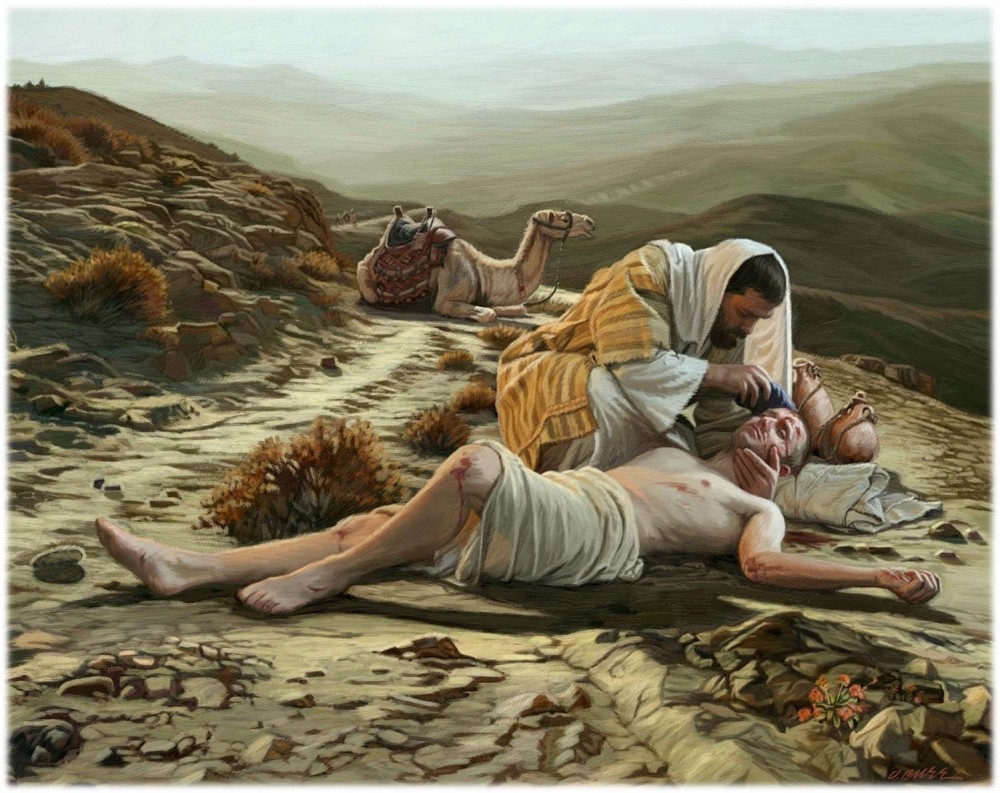
When Christ was asked, “Who is my neighbor?” He answered with the parable of the Good Samaritan.
A man had been attacked and left wounded beside the road. Others saw him and passed by. The Samaritan stopped. He came close, treated the man’s wounds, brought him to safety, and paid for his continuing care.
Christ did not praise a feeling of sympathy detached from action. He praised mercy made practical. At the end of the parable, He said:
“Go and do likewise.” — Luke 10:37
The Apostle Paul expresses the same Christian responsibility in another way:
“Bear one another’s burdens, and so fulfill the law of Christ.” — Galatians 6:2
These words speak both to the person who can offer help and to the person who needs it. Christian community requires humility on both sides. One person must be willing to stop and serve. Another must be willing to receive assistance.
Help Day brings this principle into ordinary parish life. It gives people two ways to participate:
Offer Help — contribute a useful skill or service.
Request Help — describe a specific task that needs to be done.
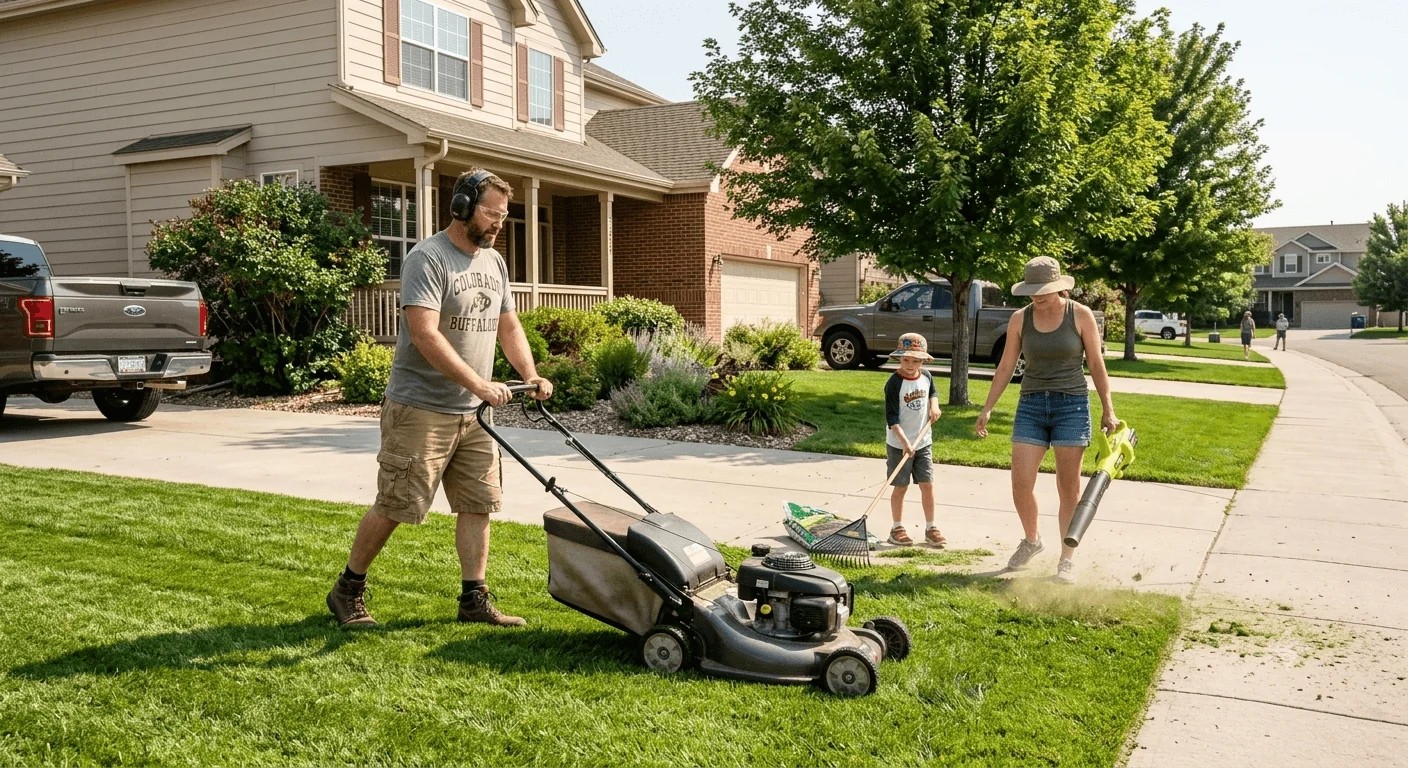
A lawn needs mowing. A computer needs setting up. A dog needs walking. Boxes need moving. A room needs organizing. A child needs a music lesson. An elderly neighbor needs help with an errand.
These are everyday needs. When they are organized through Help Day, everyday work can also support a parish fundraising campaign.
What Is Help Day?
Help Day is a service-based fundraising activity connected to a campaign of your parish.
An organization administrator publishes one Help Day for the campaign. That creates a public mini-site with a fixed shareable link. Parish members then add listings from My Mechanics: an offer of a useful skill, or a request for a specific task.
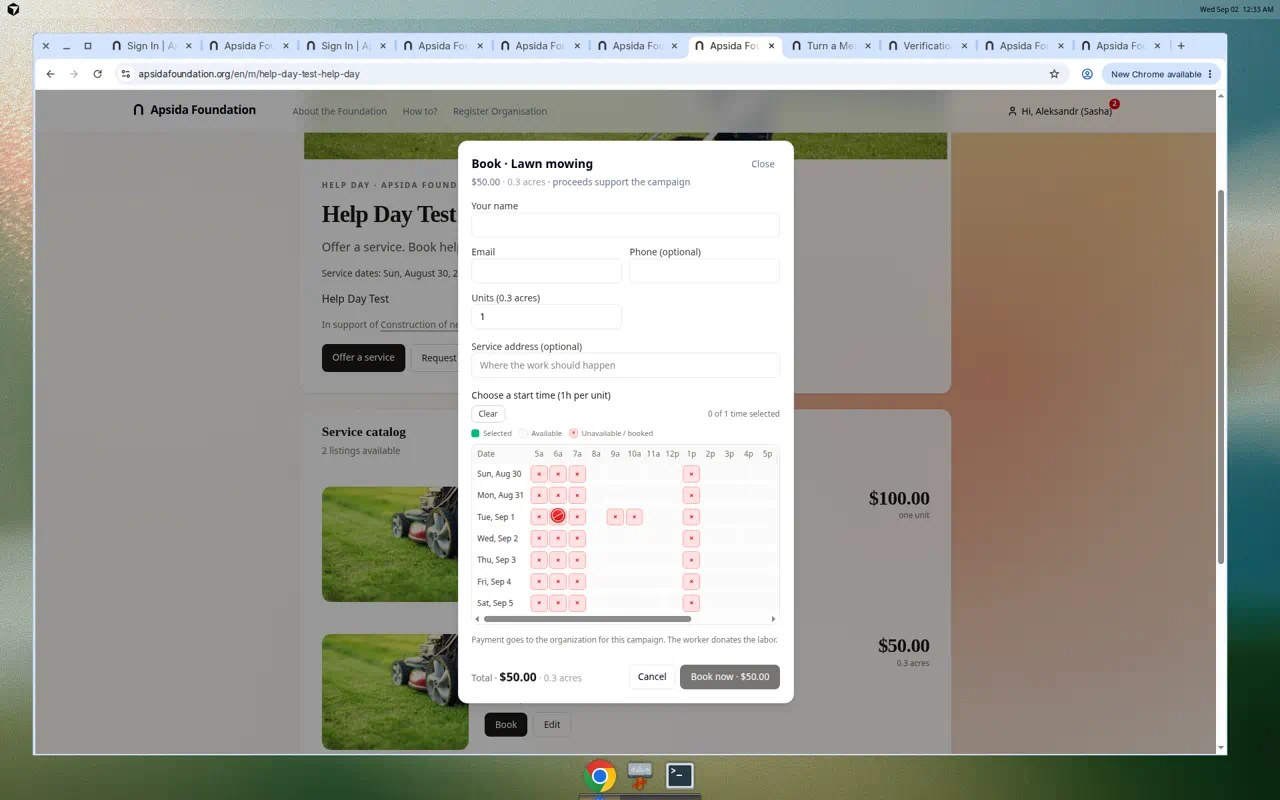
A supporter books the service and pays securely through the platform. The proceeds go directly to the selected campaign. Contact details are exchanged only after payment.
The public explanation is simple:
Offer a service. Request help. Book a task. Support the campaign.
Help Day is not intended to reproduce a commercial gig platform. It is a focused parish activity in which useful work, personal relationships, and fundraising support one common purpose.
Why Help Day Can Be Effective
Every parish contains skills that do not appear on a financial statement.
Someone can repair a screen door. Someone can organize a garage. Someone understands computers. Another person can teach piano, photograph a family, assemble furniture, walk a dog, translate a letter, or make a difficult errand easier.
Not everyone can make a large monetary gift. Many people can contribute an hour or two of useful work.
Help Day converts that time and ability into campaign support. The helper donates the service. The person booking it receives something genuinely useful. The payment strengthens the parish project.
The Request Help option adds a second source of activity. Instead of waiting for the perfect service to appear, a person can describe an actual need. This often reveals abilities already present in the community but never formally offered.
One person’s “small favor” may be exactly the skill another person is ready to give.
After Publish: One Mini-Site, One Shareable Link
When the administrator clicks Publish, Help Day becomes a public mini-site connected to the parish campaign.
The mini-site has a fixed link. Share it not only with parishioners, but also with neighbors, community groups, friends, colleagues, and anyone who might book a service or respond to a request. The same link remains stable as new listings appear.
Proceeds from bookings support the selected campaign. The catalog grows as members publish offers and requests.
How Parishioners Add Offers and Requests
After Help Day is published, each member of the parish sees a Help Day card under My Mechanics.
From that card a member can:
- open the public mini-site; or
- create a listing — either an offer of help or a request for help.
Create a listing carefully
Open create-listing from My Mechanics. At the top of the form, switch between Offer and Request. Do not mix them up: an offer describes work you can perform; a request describes work you need done.
Describe the task as precisely as you can. Vague titles are hard to book. A clear unit of work, expected duration, and what the other party should prepare make the listing useful.
Then set the price, choose the times you are available, and upload an attractive photograph. Prefer a picture of your own work or the actual place of the task — not a generic stock image.
Publish the listing. It appears on the Help Day mini-site and becomes available for booking or response.
Contact details stay private until payment
Personal contact information is exchanged only after payment is confirmed. You do not need to worry that your phone number or email will be shown publicly with the listing.
Twelve Ways to Make Help Day Successful
1. Sell or request a measurable unit
“Mow up to 0.3 acre” is bookable. “Help with yard work” is not. Define the result, time, and limits.
2. Begin with one concentrated weekend
A focused Help Day creates urgency and is easier to coordinate. Expand to a longer period after the parish understands demand.
3. Ask people about specific skills
Instead of announcing, “We need volunteers,” ask, “Could you offer two computer setups?” or “Could you donate three beginner piano lessons?”
4. Invite requests as actively as offers
Some members may not recognize that their ordinary need belongs on the page. Give examples and make it clear that requesting help is a normal form of participation.
5. Include travel, setup, and cleanup time
Do not schedule every hour as billable work. A realistic buffer protects both the helper and the next appointment.
6. Ask the necessary questions before booking
Use custom fields for measurements, addresses, photographs, pets, stairs, equipment, materials, parking, and other information that may affect the task.
7. Define the service area
Let helpers choose a radius, ZIP Codes, remote work, the buyer’s address, the helper’s location, or a mutually agreed public place.
8. Use fair, understandable pricing
The amount should recognize the value of the work while remaining attractive as a community fundraiser. If Name Your Price is available, establish a reasonable minimum.
9. Publish a balanced catalog
Combine physical work, technology, tutoring, creative services, errands, organization, lessons, and remote assistance. Different categories welcome different abilities.
10. Use two-person teams when appropriate
Pairs can improve safety, accountability, and efficiency during home visits, moving work, or appointments between people who do not know one another.
Ready to begin?
Opens the admin setup form. Sign in first if needed. An organization administrator publishes Help Day from the campaign Mechanics tab; members then add offers or requests from My Mechanics.